Android Mobile device: how to enable work profile
This guide provides step-by-step instructions for enabling a work profile on an Android mobile device. A work profile allows you to separate personal and professional data, ensuring better security and organization. It’s ideal for managing work-related apps and files without interfering with personal usage. Follow this guide to set up your work profile efficiently.
- Log in to your work email from your personal email app
- This may sound counter-intuitive, but this is how you begin the Google Device Policy Management service installation, which also enables the work profile for you.
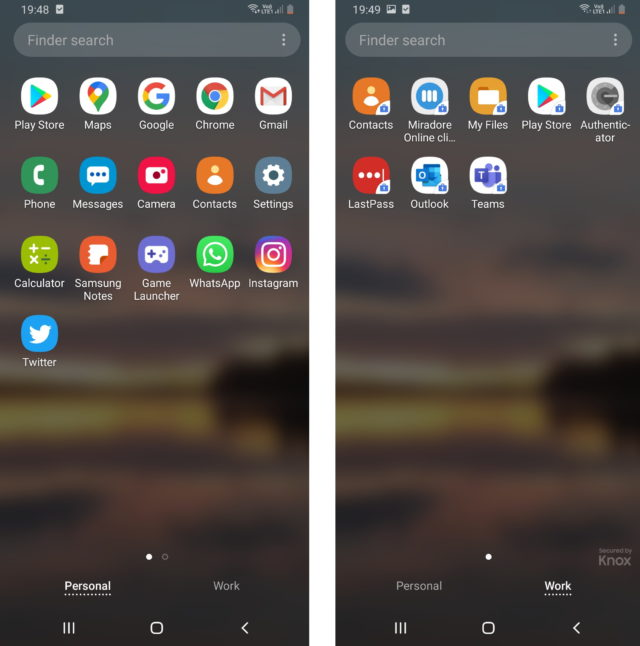
- This may sound counter-intuitive, but this is how you begin the Google Device Policy Management service installation, which also enables the work profile for you.
- Ask Devops to approve the device
- You're in!