Syncthing: Configuring a new remote device for sharing and syncing
Configuring a new remote device for sharing and syncing
- Log into your new server's Syncthing (
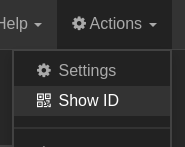
<ipaddress>:8384) and copy the Device ID from Actions ➝ Show ID
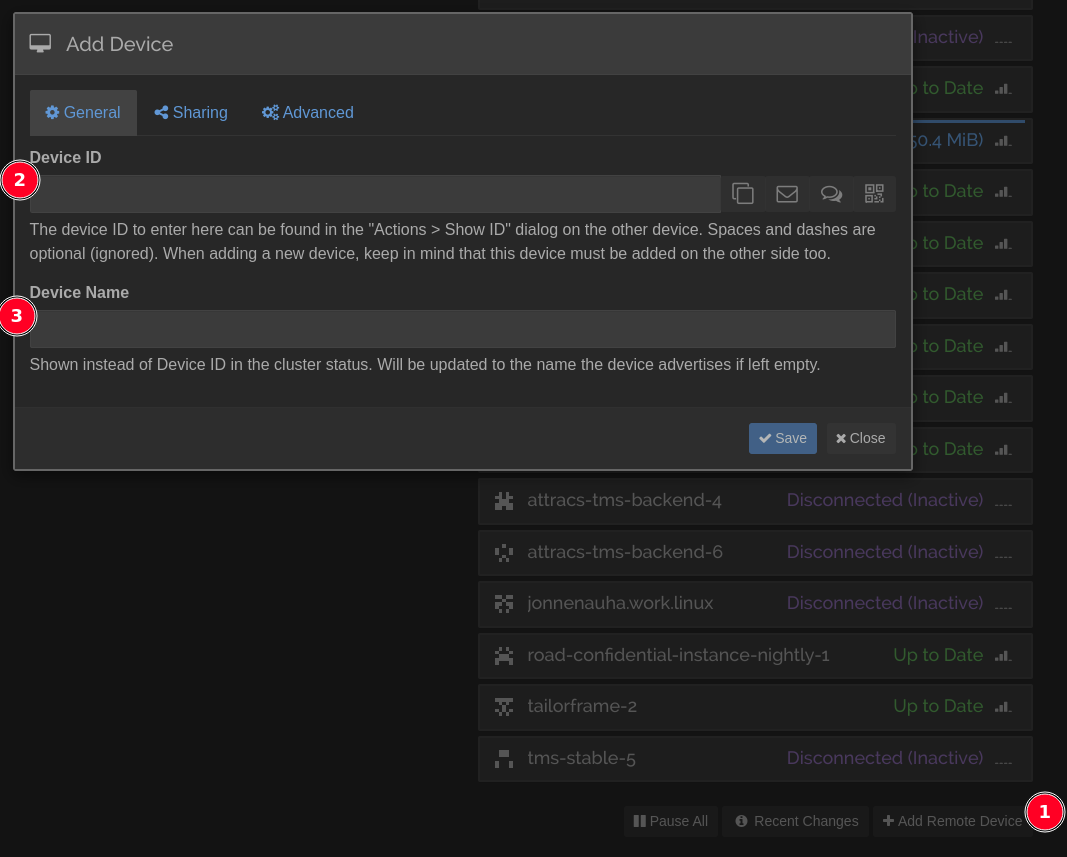
- Now, log in to the Master Syncthing at
attracs-devops-1and add a new remote device.- Give the Device ID you copied
- Give a Device Name
- Now move on to the Sharing tab
- In the Sharing tab:
- Toggle
attracs-buildsfrom the Unshared Folders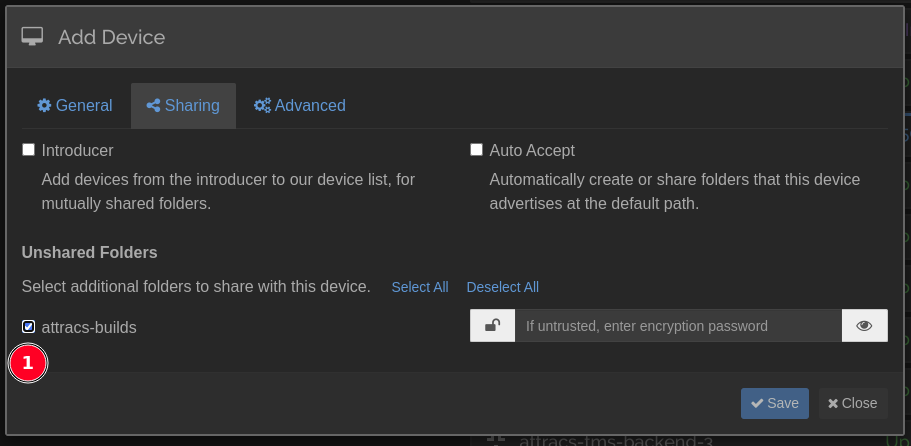
- Toggle
- Now move on to the Advanced tab
- In the Advanced tab:
- Give the server IP address of your new server to the Addresses field in format
tcp://<ipaddress>:22000, dynamic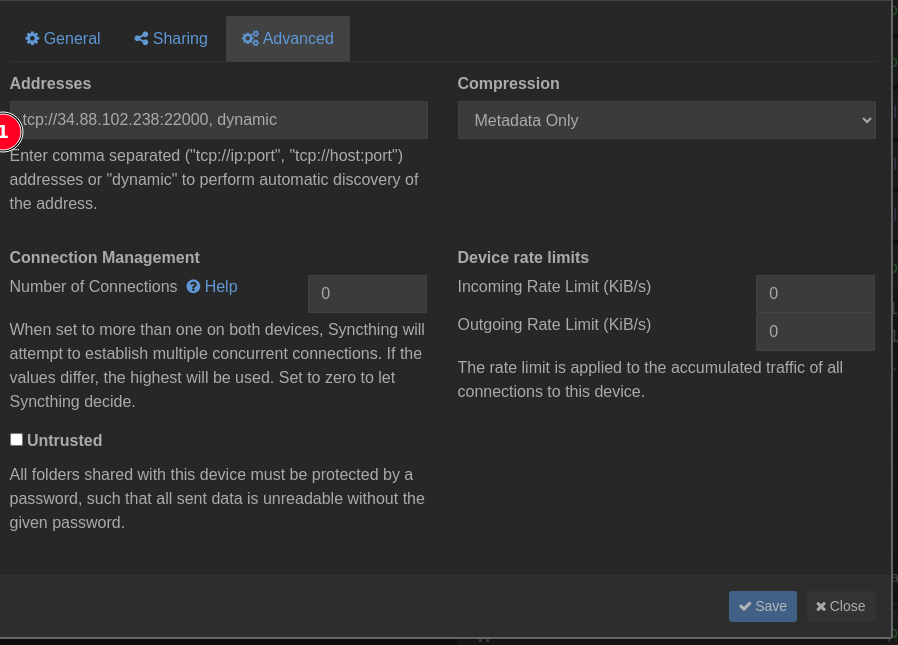
- Give the server IP address of your new server to the Addresses field in format
- Save and you're done with the Master Syncthing!
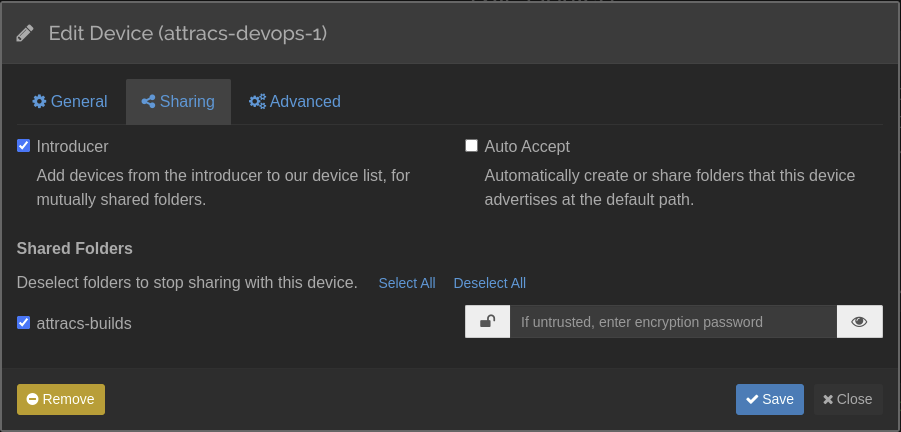
- Go back to your server's Syncthing and add
attracs-devops-1as a new remote device.- Only difference with this one is the Sharing tab, make it an Introducer and also toggle the attracs-builds shared folder if you can.
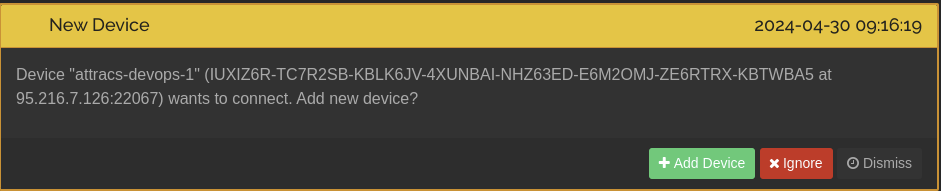
- You should now get a bunch of device connection requests. Accept
attracs-devops-1from the list