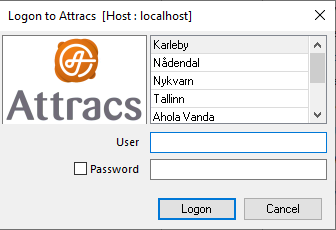
AVD Login Instructions to Attracs Online
AVD Login
AVD url : windows365.microsoft.com/ent#/devices
- Login with your
attracs.com(same account as Teams, outlook, intra, etc.) user account and password - Authenticate with attracs.com user account MFA
Launch AVD portal, devices contains Ahola AVD Machine
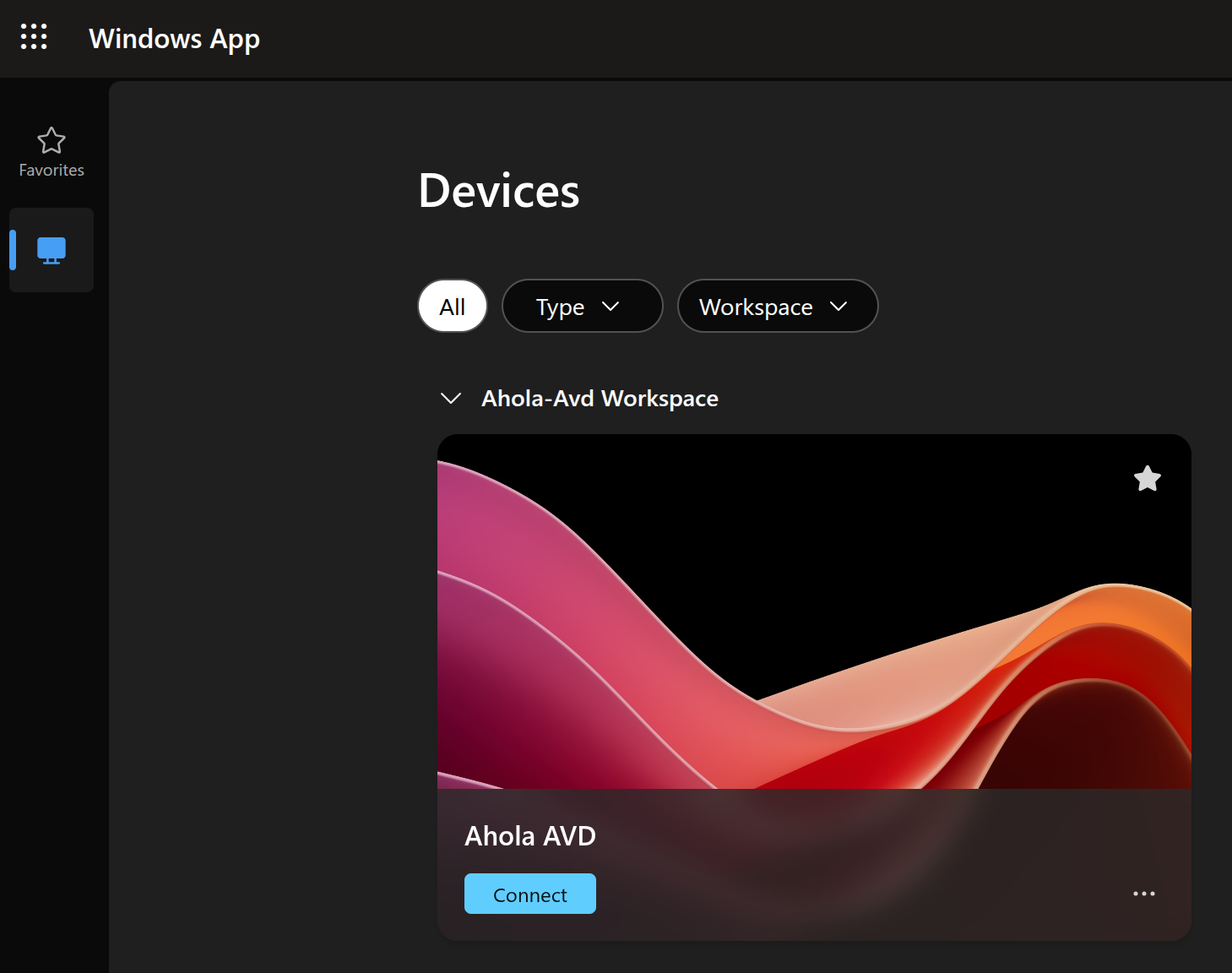 * Connect to it
Enter your attracs.com credential to login to the AVD machine
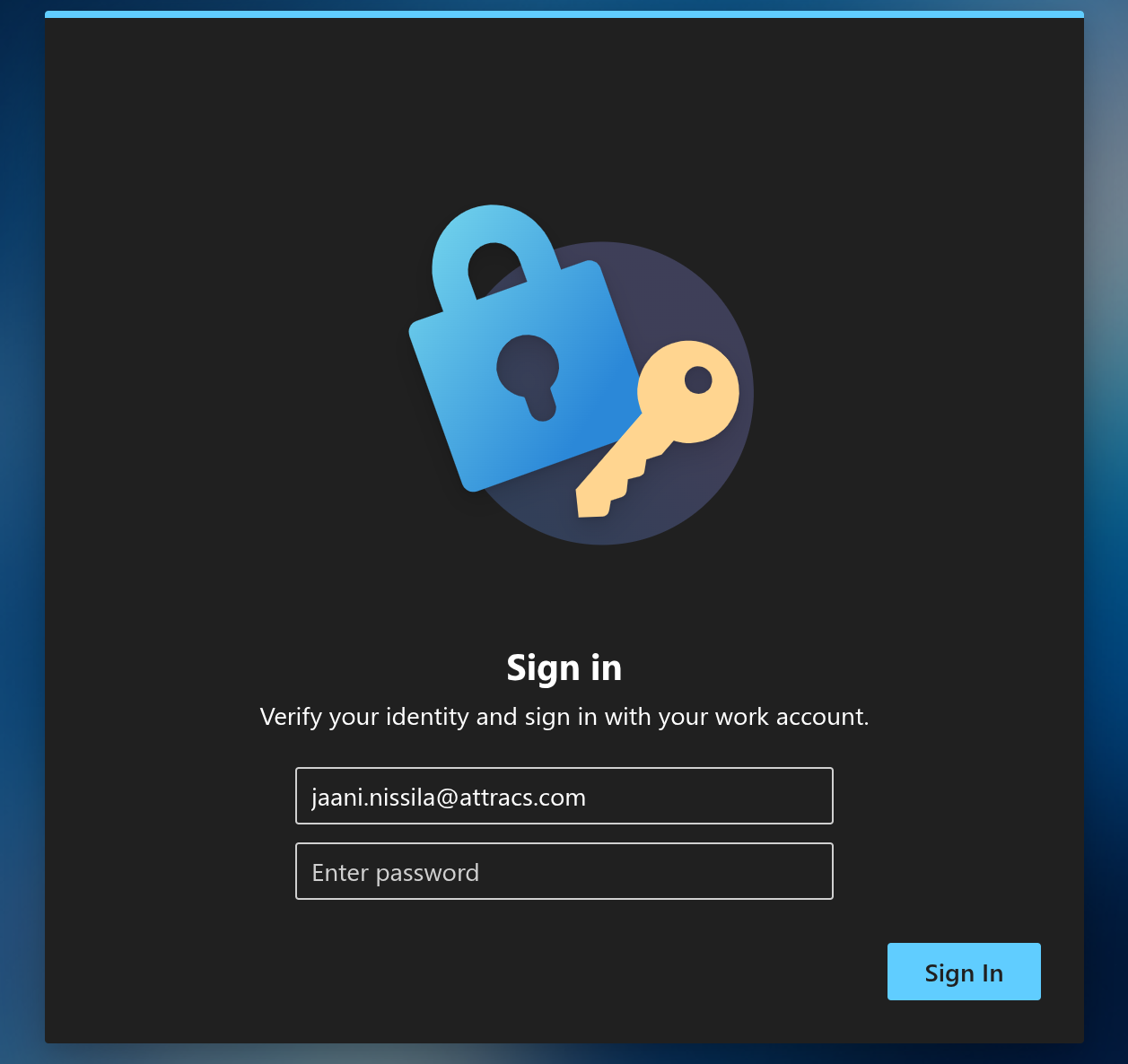 * Sign in
AO Login
Open browser and go to: https://rdgw.online.aholadigital.com/RDWeb/Pages/en-US/login.aspx
-
Login RDWeb portal with your online.aholadigital.com | attracs.com account.
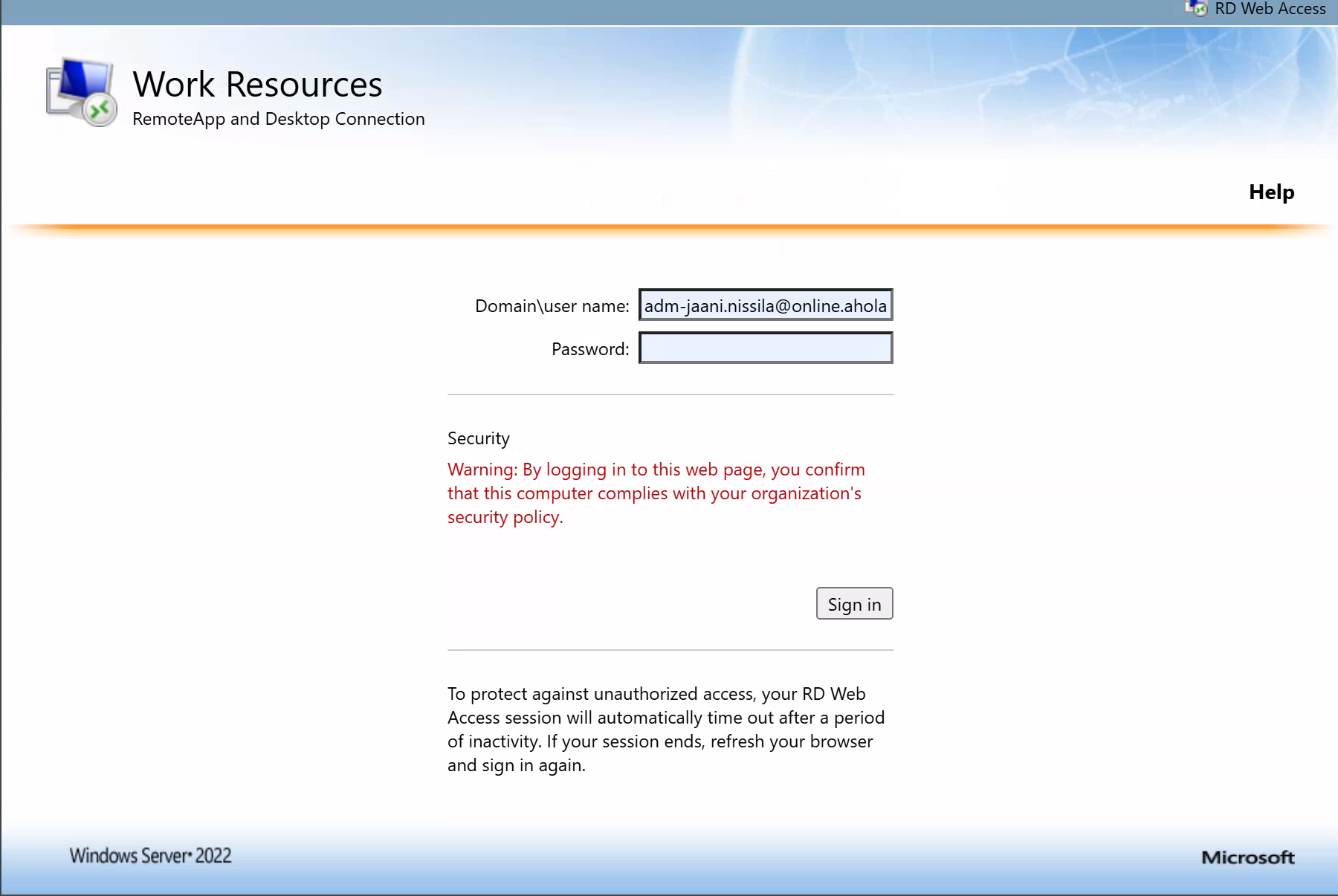 Locate to TEST folder and download
 Test EazyTMS Nightly-client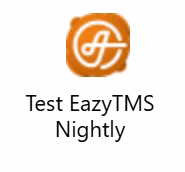
-
Open downloaded .rpd file from browser
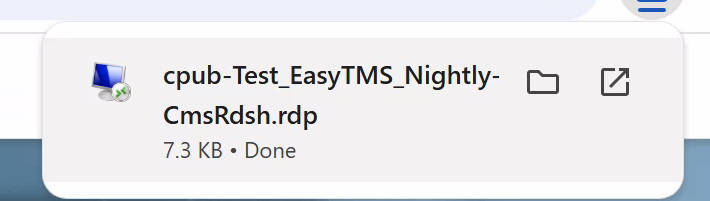
- open file explorer and locate to your downloads →
- move | drag and drop downloaded .rdp file to your desktop, you can rename the file like
EazyTMS Nightly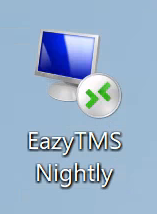 After that continue normal AO login process.
Use AO user account + password only to this login prompt: