How to add new tables to an existing Airbyte sync
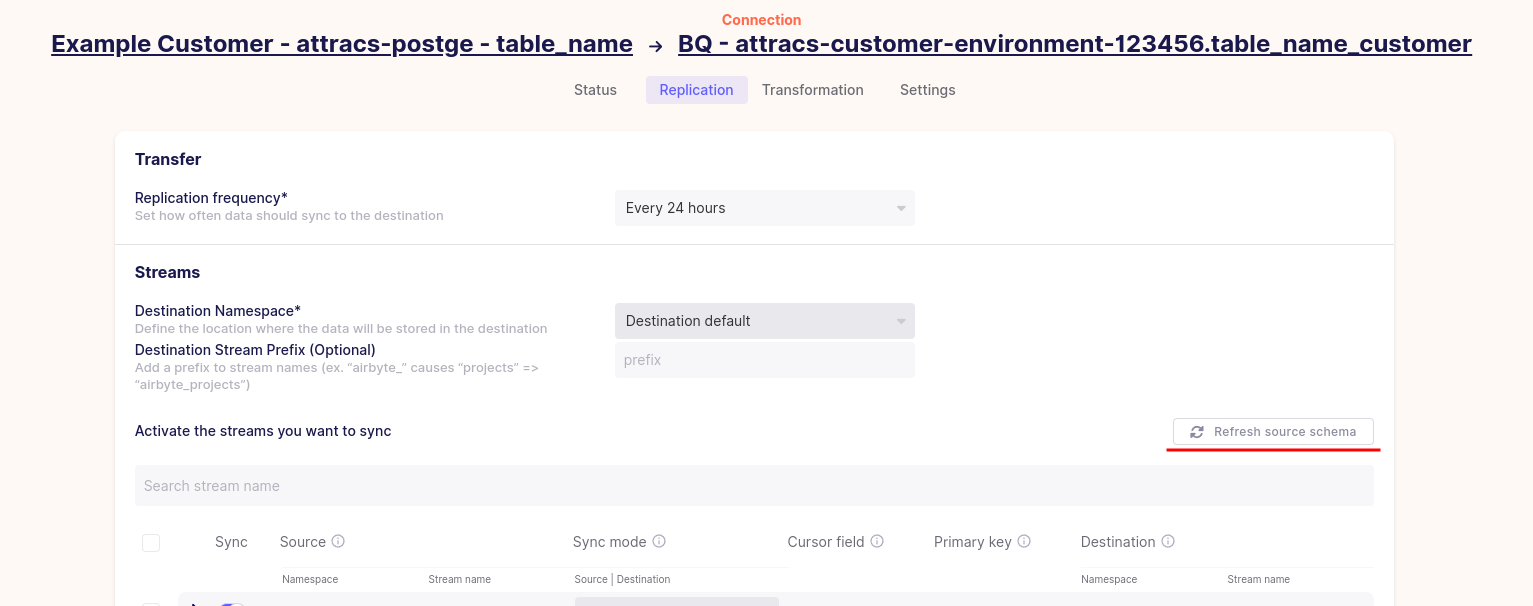
After running the relevant queries to create the view tables, navigate to your connection and click the Replication tab. Click on the Refresh source schema button to start fetching of new tables. You should see the new tables in the list of tables as untoggled (un-synced) tables. Toggle these tables and change their sync mode if necessary. Finally click save changes at the bottom of the page to delete existing data and start syncing of all data, including the new tables.