GCP Instances (Virtual Machines)
Lorem ipsum
Managed Instance Groups (MIG)
https://console.cloud.google.com/compute/instanceGroups Instances in MIGs work with instance templates. Instance templates are images usually made from an instance template instance or in some cases from a live MIG instance.
Making changes to an instance group instance
First, you should create a template instance from the latest image that the MIG is using.
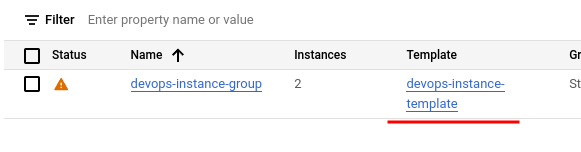 Template name in the MIG frontpage.
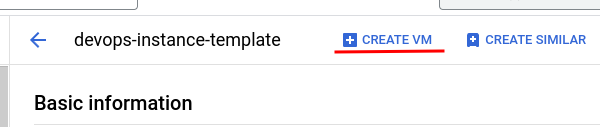 View after clicking the template, with the "Create VM" button.
After clicking the "Create VM" button, you should double-check that all the settings the instance will use are correct. Usually the region and zone are wrong, you should change these to be the same as the MIG instances to avoid issues. Be sure to also take a look at the advanced options at bottom of the page: networking, disks, security, management, sole-tenancy. These settings are usually copied automatically from the instance template you are using.
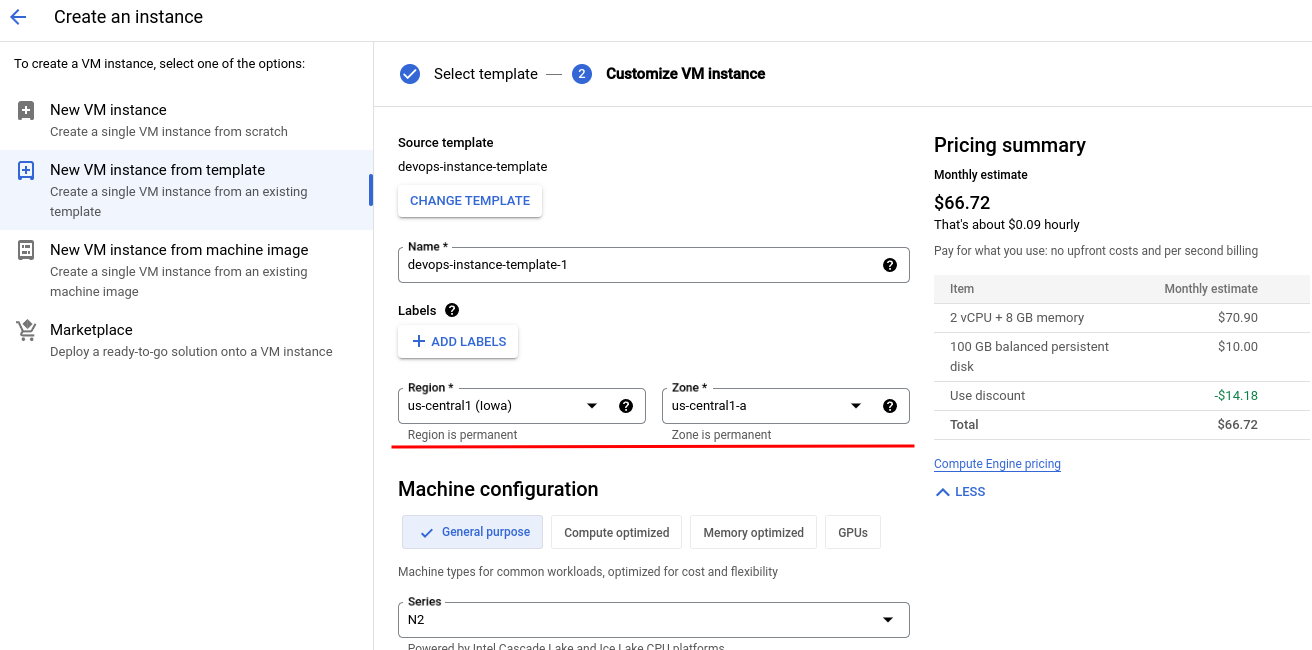 View showing that the template instance has been given the wrong region and zone.