Connecting to a database
GCP
Install gcloud
Login to GCP via gcloud:
gcloud auth login
Set your account as the application-default
gcloud auth application-default login
TODO continue this section
MySQL
Enable the Cloud SQL proxy and run this:
mysql -h 127.0.0.1 --user="user.name" -P 55435 --enable-cleartext-plugin -s -N
PostgreSQL
Cloud SQL Proxy (CLI)
Installation
Download the cloud-sql-proxy connector script provided by Google:
https://cloud.google.com/sql/docs/mysql/sql-proxy#install
Make the script executable:
chmod +x cloud-sql-proxy
Usage
Run the connector with the correct port and <project-id>:<region>:<cloudsql-instance-name>, for example:
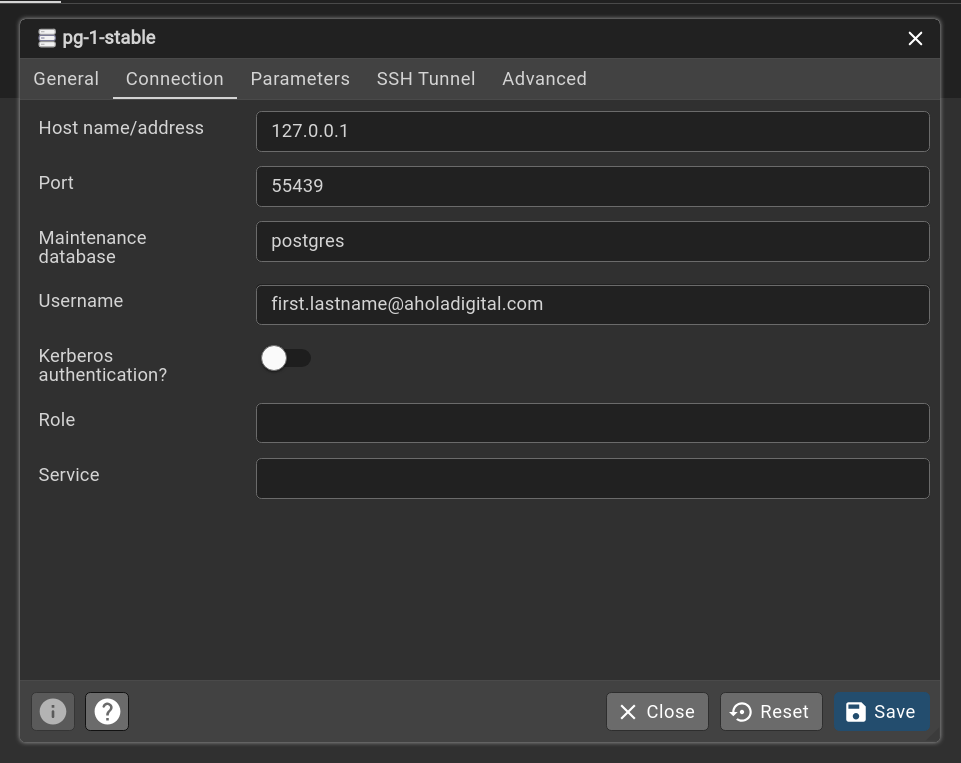
./cloud-sql-proxy --health-check --auto-iam-authn --port 55439 pg-databases-stable:europe-north1:pg-1-stable
Note: you do not need to define the instance here, you already defined the Cloud SQL instance before when running the cloud-sql-proxy
psql -u "first.lastname@aholadigital.com" -h 127.0.0.1 -p 55439 -d database_name
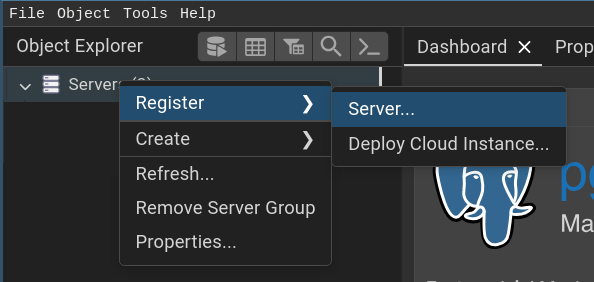
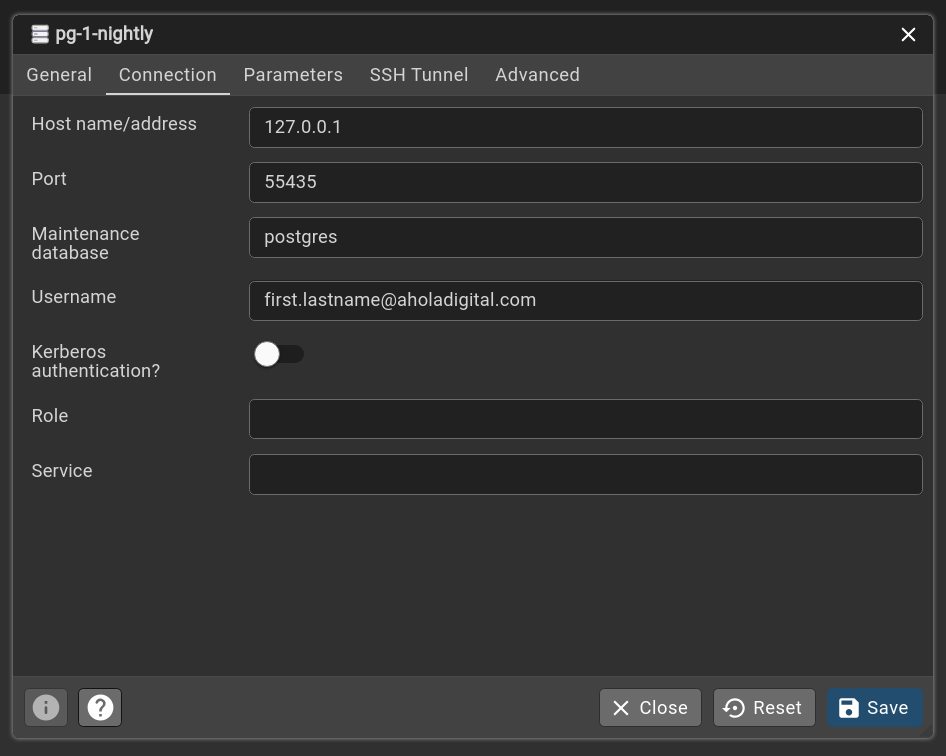
PG Admin (GUI)
./usr/pgadmin4/bin/pgadmin4