The webhook URL can be copied from a "Incoming WebHooks" app. These can be found from the Slack apps directory. Just make sure you are in the correct app, as there are multiple Incoming WebHooks apps, one for each slack channel.
If it did, continue to the next step
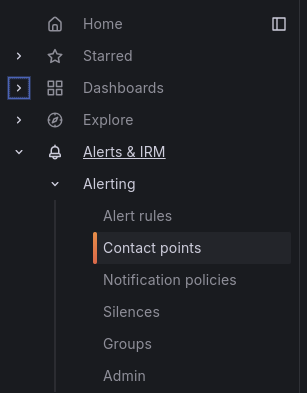
Navigate to Notification policies (should be just below Contact points)
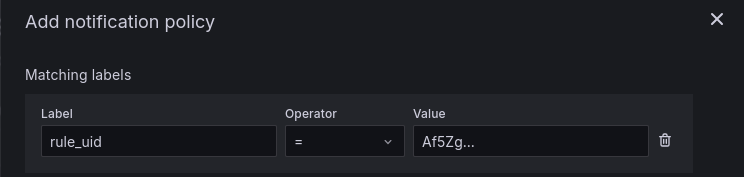
If you only need to modify an existing notification policy, you can search for the existing notification policy with the rule_uid and simply edit the contact point AKA slack channel in which to send the messages to.
For a new notification, create a new child notification policy under the Default policy: