Manage: Troubleshooting users login issues
Here are basic steps for troubleshooting when new user reports general "unable to login" message to some application utilizes common login/account management of manage/auth.
- In manage.attracs.com
- Verify that user is added to correct organization, and that user is added to team that has access to application.
- in manage.auth0.com
- Search for user under User Management
- Verify that email is set correctly
- Verify that user has verified the account creation (email sent to the registered address):
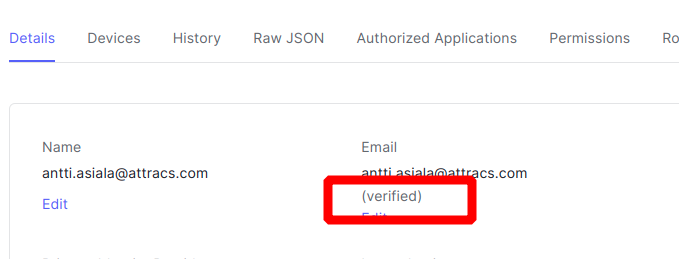
- If account is still pending -state, you can try sending the verification email again under Actions
- You can also unblock user, if user has managed to get the account blocked.
- Check logs for errors
- auth0 only shows two days of log history
- actions are stored in platform-trace-stable log in attracs-services-195009 project https://cloudlogging.app.goo.gl/6DpkD5ytsvHRyZVy5
- you can search log with email, auth0 hash or ip address for troubleshoot login issue