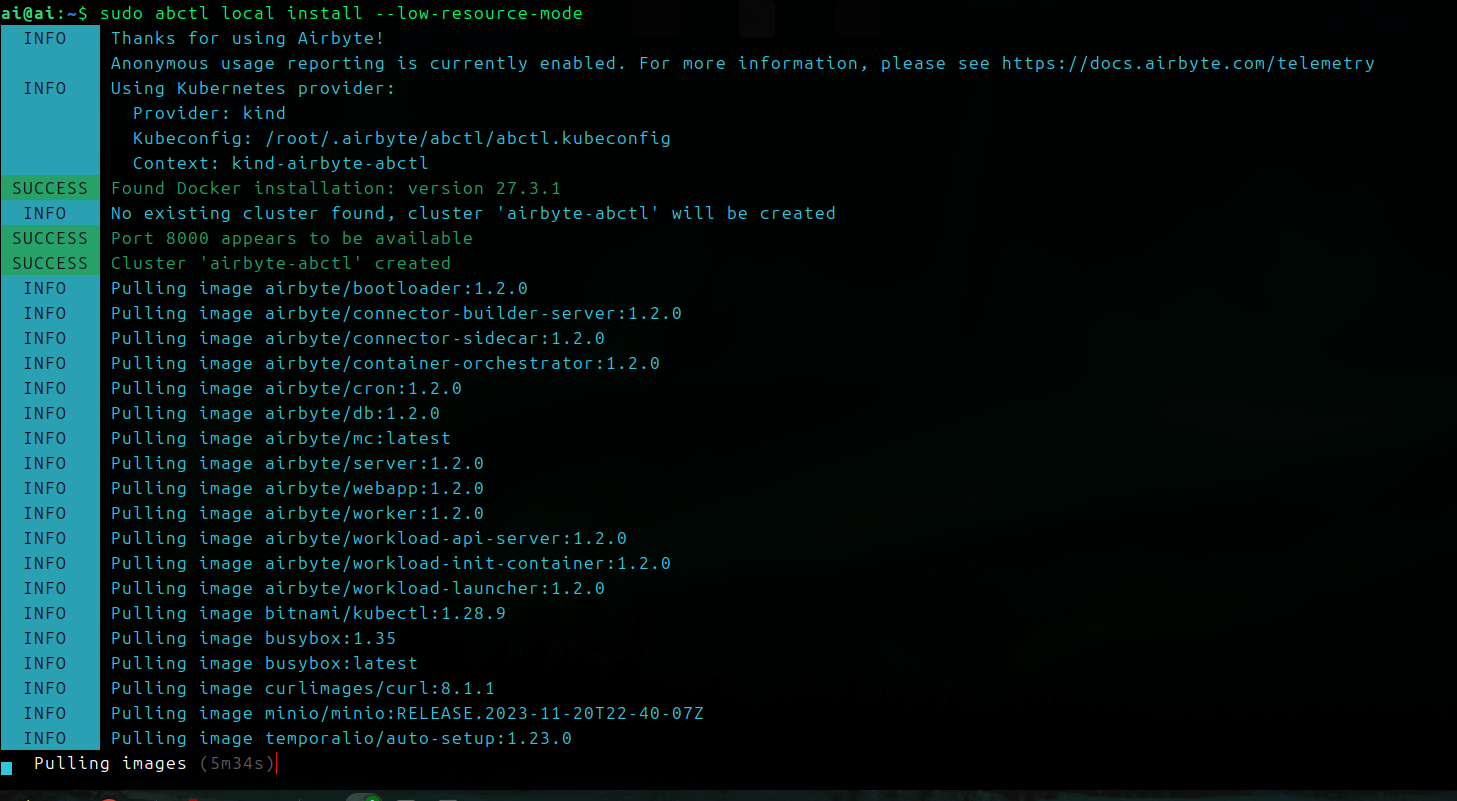
Setup with ABCLT - Currently in use
This setup is helped by AirByte Command Line Tool
For this to work we need to have docker setup.
- Install abctl
curl -LsfShttps://get.airbyte.com| bash -curl -LsfShttps://get.airbyte.com| bash -test withabctl versionversion: v0.22.0 -→ 0.30.3
- Run Airbyte
abctl local install- this command will take a while 15min++.
By default Airbyte will start with authentication enabled.
after setup the email and company name you will need to get secret for the password.
abctl local credentialsYou can change password with:abctl local credentials --password new_password
Suggested Resources
For the best performance, we suggest you run on a machine with 4 or more CPU's and at least 8 GB of memory. Currently abctl does support running on 2 cpus and 8 gb of ram with the --low-resource-mode flag. You can pass the low resource mode flag when install Airbyte with abctl:
abctl local install --low-resource-mode
By default, abctl will listen on port 8000. If port 8000 is already in used or you require a different port, you can specify this by passing the --port flag to the local install command. For example, abctl local install --port 6598