Renew apple cert in Google Admin console
Introduction
Apple cert need to renewed once per year, cert hits all apple devices were our company users are using company google services.
Create Certificate
For reference: Renew apple cert in Google Admin console (https://app.clickup.com/t/86bwcwb5m)
Renew apple cert using Google's instructions: https://support.google.com/a/answer/7628860?hl=en#zippy=%2Cstep-generate-a-renewal-request%2Cstep-get-a-renewed-certificate%2Cstep-upload-your-renewed-certificate
Login to Google Admin workspace and go: Device ➝ Mobile and endpoints ➝ Settings ➝ iOS Settings ➝ Apple Certificates https://admin.google.com/u/1/ac/devices/apple/certificates?rapt=AEjHL4NmPHX6zM1zE8YVn8XvHE5MoqiNmYhS8F6A0L7V627BNEpxxX0AhNqjAJiML7HJw1XlOnHW5FYmFf6Dlgj6MoE3qDNLvMV24DrmtEK5CBll5OYw-bI
Upload certificate to Apple Certificate Portal
- Download certificate from Google Admin ➝ Apple Certificate portal
- Upload certificate to
Apple push certificates portal(AppleID)- "Renew" or "Create a Certificate"
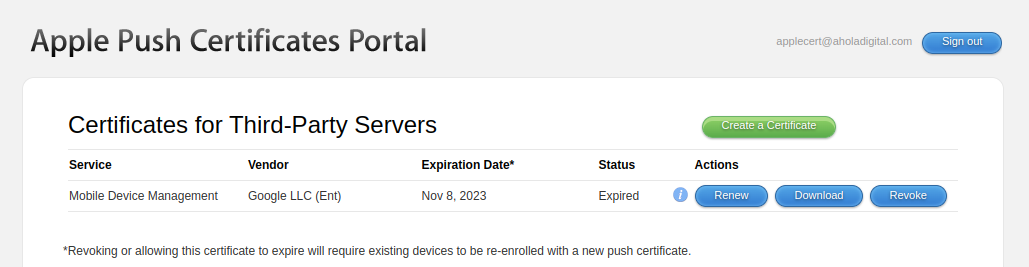
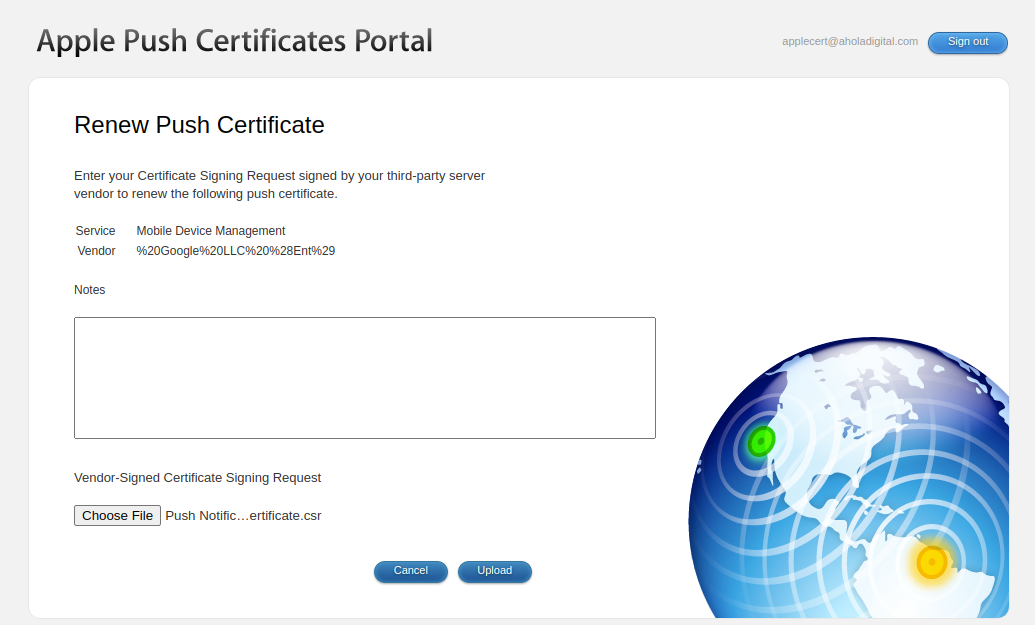
- choose .csr on your computer and upload it
- download it
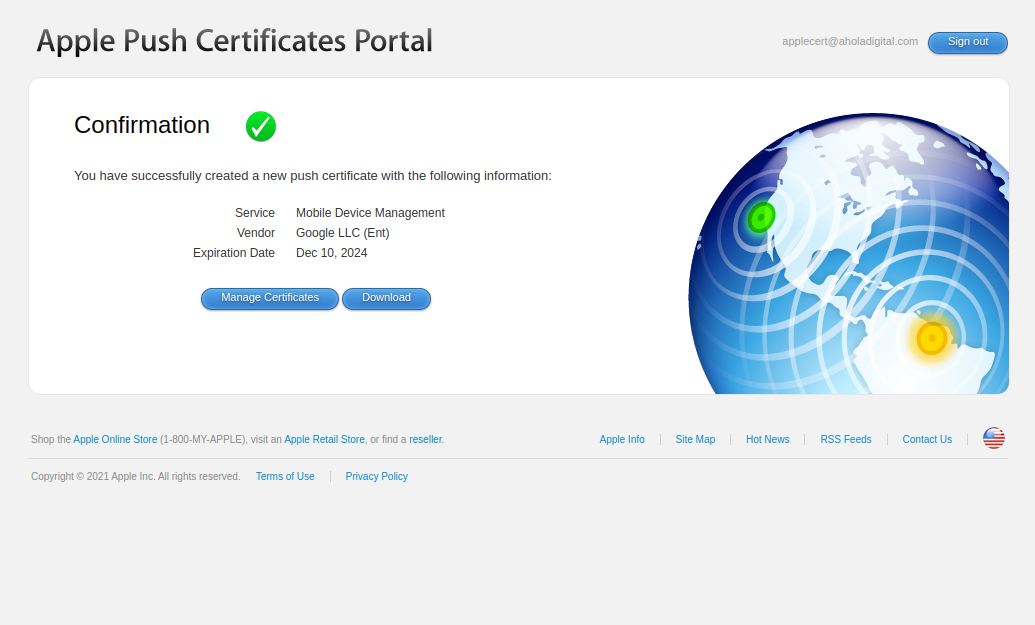
- Upload it to Google Admin ➝ Devices ➝ Mobile and endpoints ➝ iOS Settings ➝ Apple Certificates
Disclaimer
Apple Certificate portal login MFA currently uses Jaani's phone number.