How to make Airbyte connections
Airbyte connections are sets of sources and destinations, used to frequently (usually daily) synchronize the destination data with the source data.
How to create sources
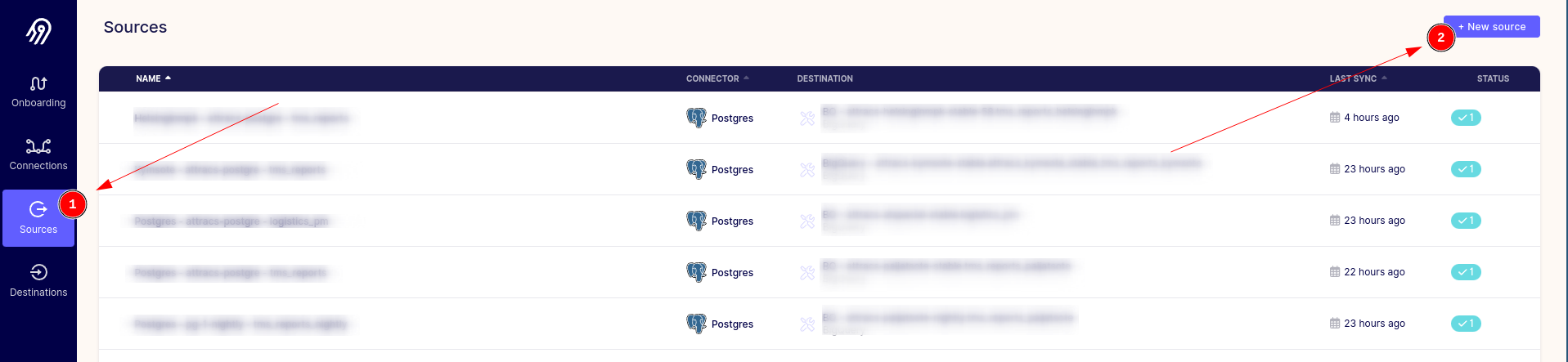
- Navigate to the Sources page and click the + New source button.
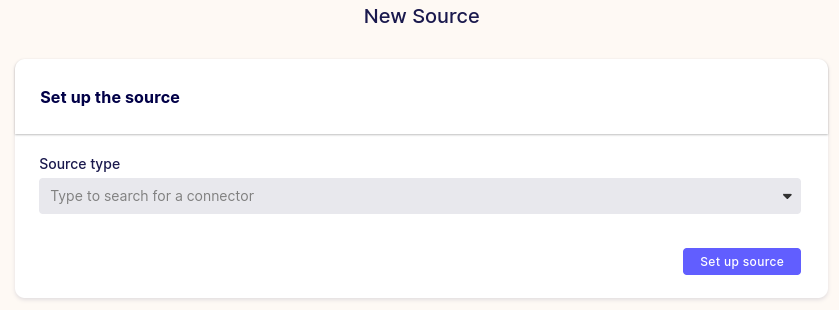
- Choose your source type and you should get a configuration page for the selected source. Fill them as necessary and proceed by clicking the Set up source.
- You should get a progress bar at the bottom of the page confirming that your source connection works, after this the page should refresh and bring you to your newly created source connection.